
Simple Renpy Inventory System
A downloadable Renpy Inventory for Windows
Welcome to my Simple Ren'Py Inventory System! When I first created this project, I was a beginner exploring the Ren'Py engine, and it’s been part of my ongoing learning journey. Inspired by a simple tutorial, I built this system to be straightforward, flexible, and easy to integrate into your games while also adding my own improvements and creating a version that fits my needs.
Starting with a basic, empty list, this system provides a solid foundation for new developers, without the added complexity of more advanced inventory systems. It’s perfect for creating beginner-friendly games.
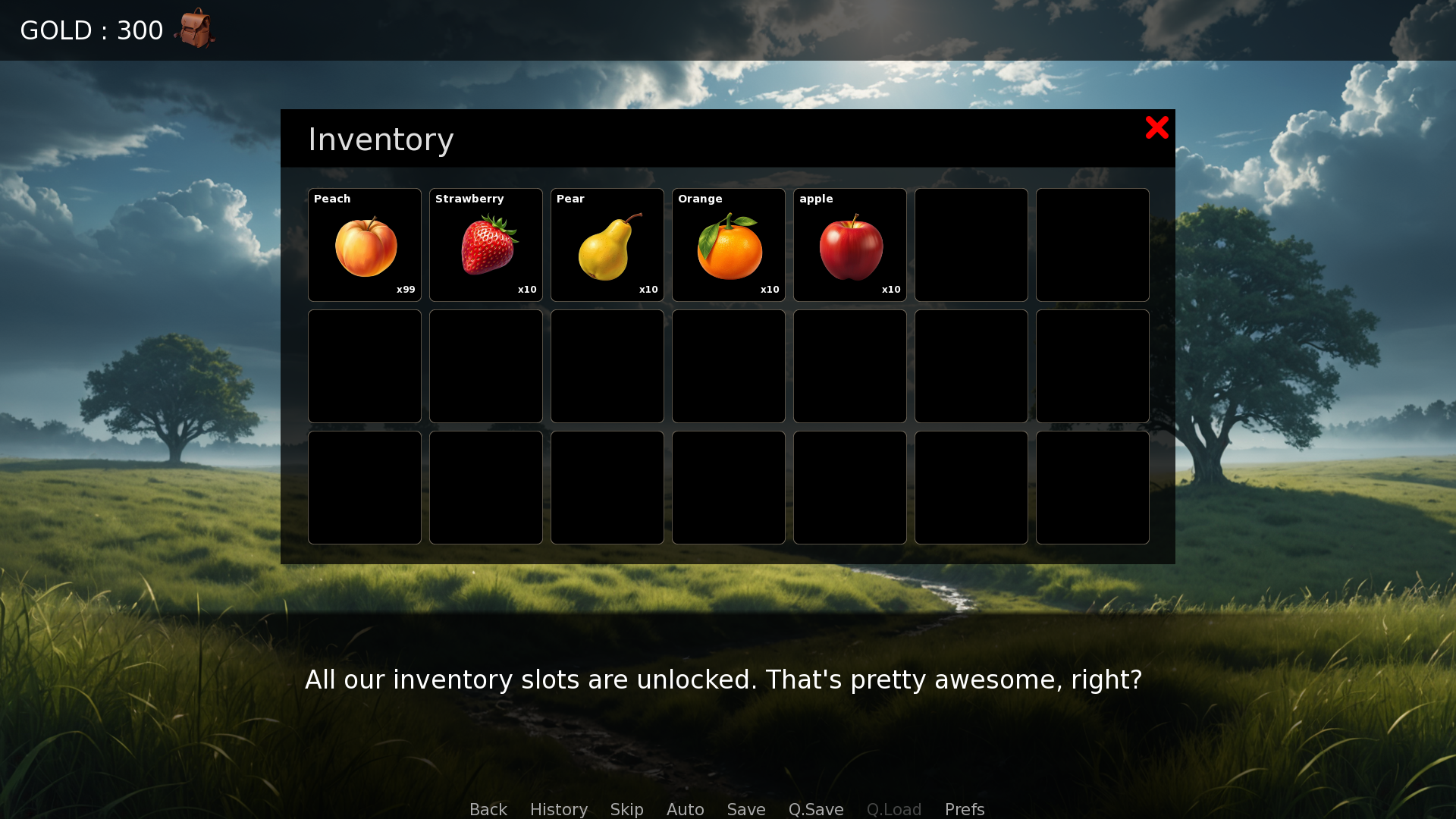
I've also developed an advanced version with features like unlockable slots and item stacking. Check out my other repositories for further extensions and improvements. I hope it serves as a helpful resource for others diving into Ren'Py!
Advanced version link: Enhanced Ren'Py Inventory System
Features
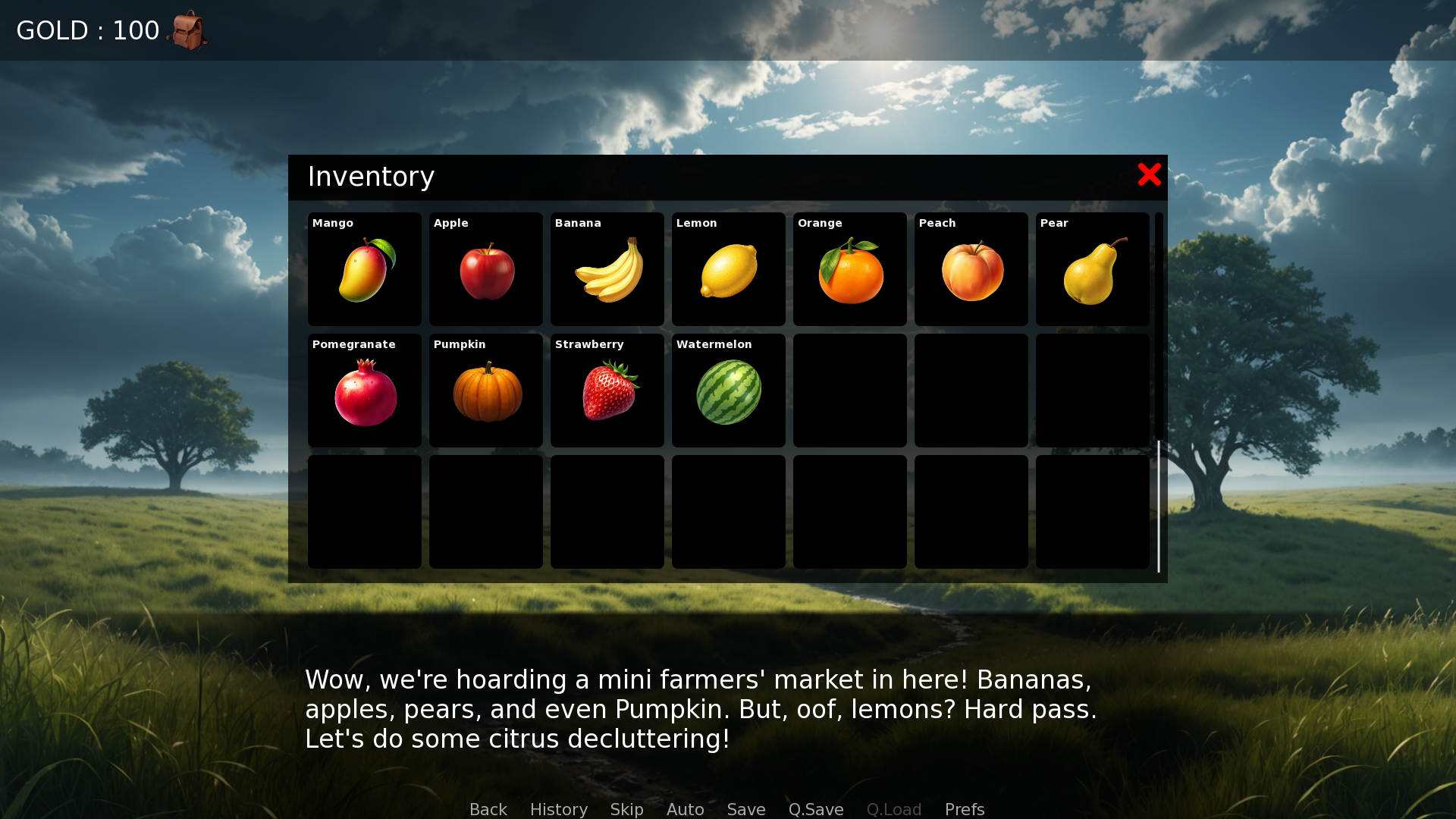
- Modal Inventory Screen: A clean, user-friendly layout with a frame and an image button for closing the inventory.
- Vertical Box Layout: The inventory is organized neatly, with a title for clarity.
- Customizable Scrollbar: A scrollable viewport with customizable vertical scrollbar graphics for a polished look.
- Grid Slot Display: Inventory items are neatly organized in a grid layout with dynamic items and background images.
- Occupied & Empty Slots: Supports both occupied and empty slot states for a dynamic inventory.
- Customizable Appearance: Change the background image and scrollbar graphics to match your game’s aesthetic.
- Modular System: Everything is contained in one folder, making it super easy to install and manage ideal for beginners.
Requirements
Ren'Py 8.0 or higher
Installation
Clone the repository into your Ren'Py project directory and run it to get familiar with how the Simple Inventory works.
For quick installation, simply copy the components folder into your game’s directory.
Follow the tutorial inside the script.rpy file to initialize the inventory system in your game.
Credits
A big thanks to everyone who’s inspired and supported this project. Make sure to credit my work under the name Patchmonk. Cheers!
GitHub
Original GitHub repository link :
Download
Click download now to get access to the following files:
Comments
Log in with itch.io to leave a comment.
This is pretty much exactly what I've been looking for.
The only thing missing would be a way to interact with the Items from the inventory-screen.
Any idea how one could whip that up?
Hey, sorry for the late reply. By interacting with the item, do you mean doing something in the inventory screen, giving the item to a character, or maybe triggering an event in the game?
Imagine having a letter in your inventory, you click it and it calls/shows a screen with the letter for the player to read.
The simple inventory system is intentionally designed to be straightforward, avoiding unnecessary complexity for beginners. While it could have had more advanced features, I kept it minimal. For something more advanced, you can use my Enhanced Inventory, though you’ll need to add image buttons to the loop in the screen code to trigger actions that open another screen. It’s fairly easy, but adding the image button can be tricky if you’re not familiar with the engine.
Another option is my upcoming complete inventory system, designed to cover every edge case for game developers across all genres, from dating sims to RPGs. This ultimate version includes everything you can imagine, built from years of collected feedback and featuring AAA-quality elements. However, it’s still in beta testing, so the release will take a little more time.
Hey thanks. I'll try that and will keep my eyes out for your complete system.
I'm currently about to use this for my project! Thank you!
Great to hear that. If you need any help, please let me know .